Wednesday, January 1, 2020

20 Best Game Recording Software For Windows 2020

20 Best Game Recording Software For Windows 2020

Everyone loves to play games in their spare time. The gaming section has changed a lot over the past few years. These days, people enjoy graphics HD games and likes of PUBG and Fortnite has already taken the gaming spree to the next level.

Just search for PUBG on YouTube, you will find tons of gaming videos from the gamers. Well, lots of YouTubers now use game recording software to record their gameplay videos. Gaming recording software could be useful if you want to share your gameplay videos with others.

20 Best Game Recording Software For Windows 2020

So, in this article, we are going to talk about some of the best game recording software for Windows 10 computers. With these game recording software, you can easily record and share gameplay videos to multiple platforms like YouTube, Twitch, etc. So, let’s check out the best game recording software for Windows 10.

1. Open Broadcaster Software
Open Broadcaster Software

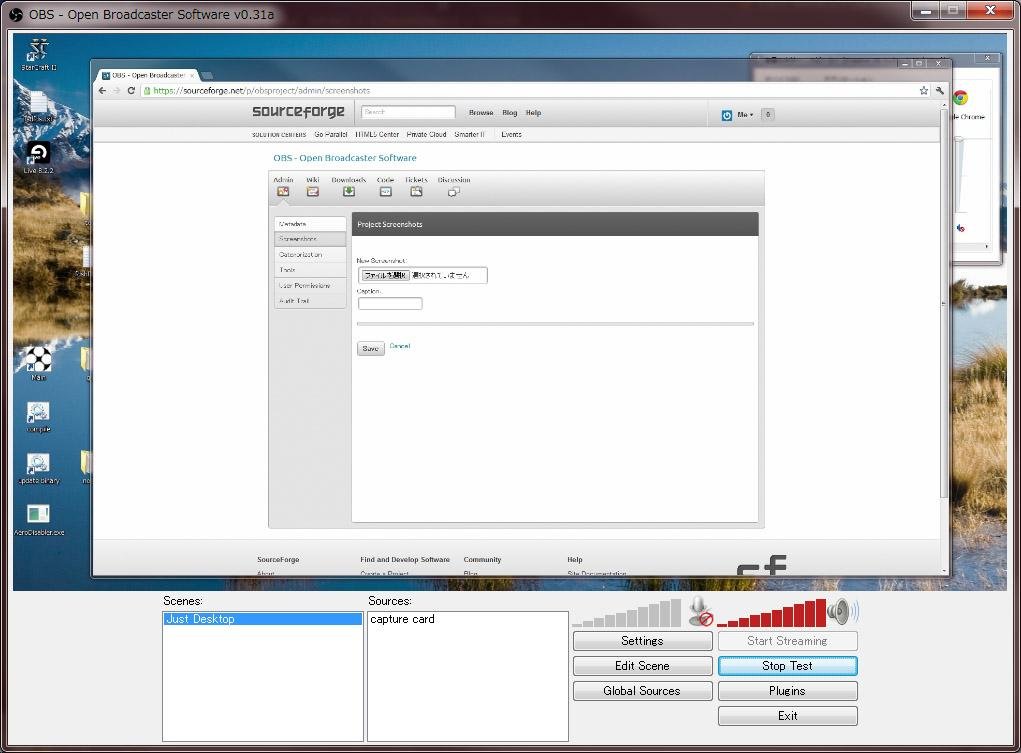
This is one of the best screen recording software that can easily record high-quality game recording on your windows. Also, the tool is free to download and has the very simple user interface. By using this cool tool, you can even record in MP4 and FLV formats too in your windows PC. So try out this tool on your PC.

2. Action!
Action!
Action!

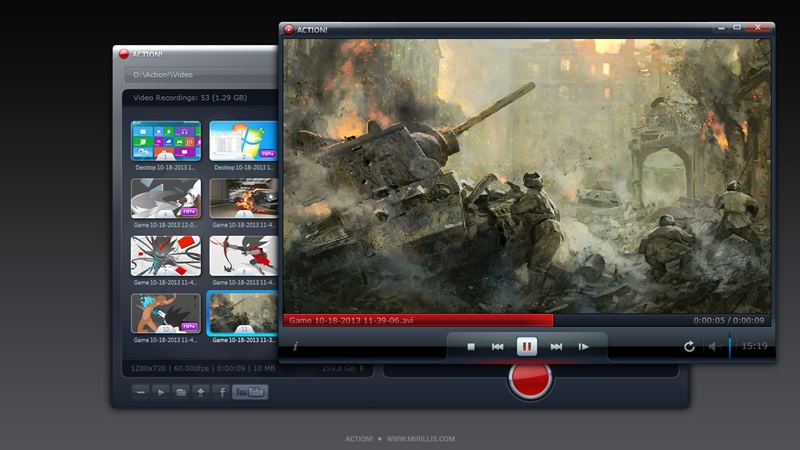
This is the cool game recorder tool that is compatible with all versions of windows. Action! allows streaming and real-time recording of Windows desktop in a superb HD video quality. With Action! you can record and stream your gameplay, web player videos, record music, capture screenshots, remotely access your PC, play PC games with Android devices and lots more that you will come to know after downloading this tool.

3. XSplit Gamecaster

XSplit Gamecaster
XSplit Gamecaster

The another best tool to capture out special gameplay in your windows PC. There are different versions of this game that are free and paid too. XSplit Gamecaster lets you easily stream and record your greatest gaming moments at the click of a button. It’s simple, easy to use and perfect for sharing your gameplay with the world.

4. Dxtory
Dxtory
Dxtory

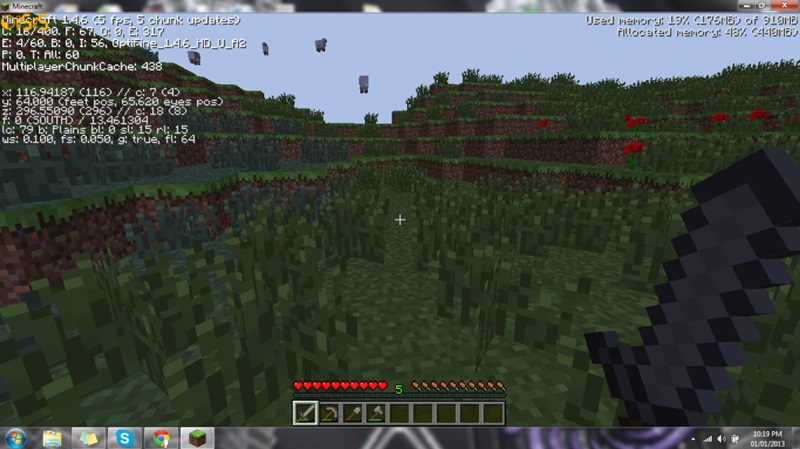
This tool allows you to record the game in your windows PC by adjusting the game recording quality according to your wish. Dxtory is a movie capture tool for DirectX and OpenGL Applications. Since data is directly acquired from a surface memory buffer, it is very high-speed and works with a small load.

5. WM Capture
WM Capture
WM Capture

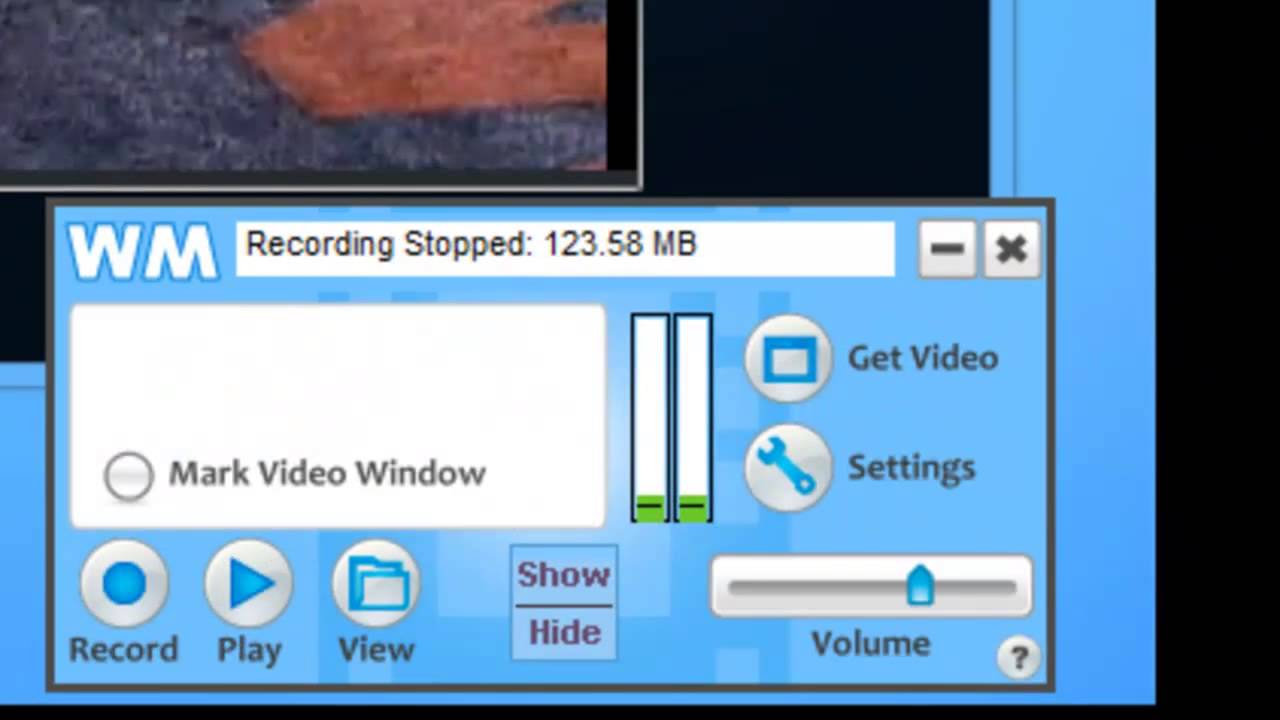
By using this tool, you can easily capture videos by marking an area to record. Just click Get Window, then move your mouse over the region you’d like to record and it gets highlighted automatically. You can also mark a recording region manually to clip or extend the capture area. So must try out this tool on your PC.

6. ShadowPlay

ShadowPlay
ShadowPlay

ShadowPlay is a hardware-accelerated screen recording utility for Windows PCs using GeForce GPUs, made by Nvidia Corp as part of its GeForce Experience software. It can be configured to record continuously a time behind, allowing the user to save the video retroactively.

7. Bandicam

Bandicam
Bandicam

Bandicam is a lightweight screen recorder for windows that can capture anything on your PC screen as a high-quality video. Also, it makes it possible to record a certain area on a PC screen or capture a game that uses the DirectX/OpenGL graphic technologies.

Bandicam will help you carry out a game capture with high compression ratio while keeping the video quality closer to the original work and provides performance far superior to other recording software that provides similar functions.

8. D3D Gear

D3D Gear
D3D Gear

D3DGear is a very fast game recording software for PC. It allows users to record gameplay to the movie without slowing down the game. D3DGear game recording function has a very minimal performance impact on the game, and it may not cause a game to lag or drop much frame rate.

D3DGear game recording produces high-quality videos with small file sizes. D3DGear game recording function supports microphone recording, Push-To-Talk recording and face camera overlay recording.

9. Fraps
Fraps
Fraps

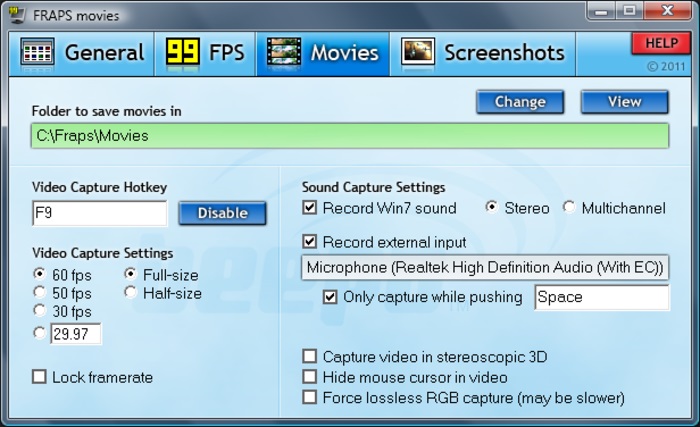
Fraps is a universal Windows application that can be used with games using DirectX or OpenGL graphic technology. Fraps can capture audio and video up to 7680×4800 with custom frame rates from 1 to 120 frames per second! All movies are recorded in outstanding quality.

10. Windows 10 Game Bar
Windows 10 Game Bar
Windows 10 Game Bar

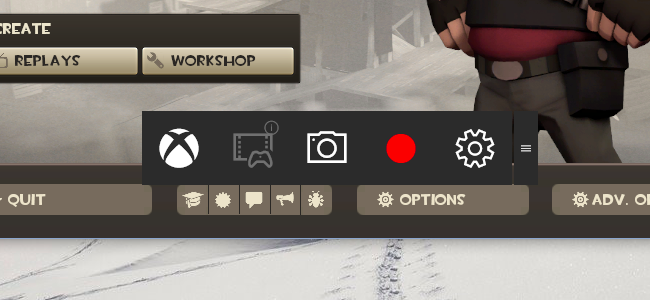
This is an inbuilt feature that comes with Windows 10 you just need to press Windows Key + G while playing the game and it will eventually open up a game bar. You can manually click on the buttons to start or stop recording.

11. MSI Afterburner
MSI Afterburner
MSI Afterburner

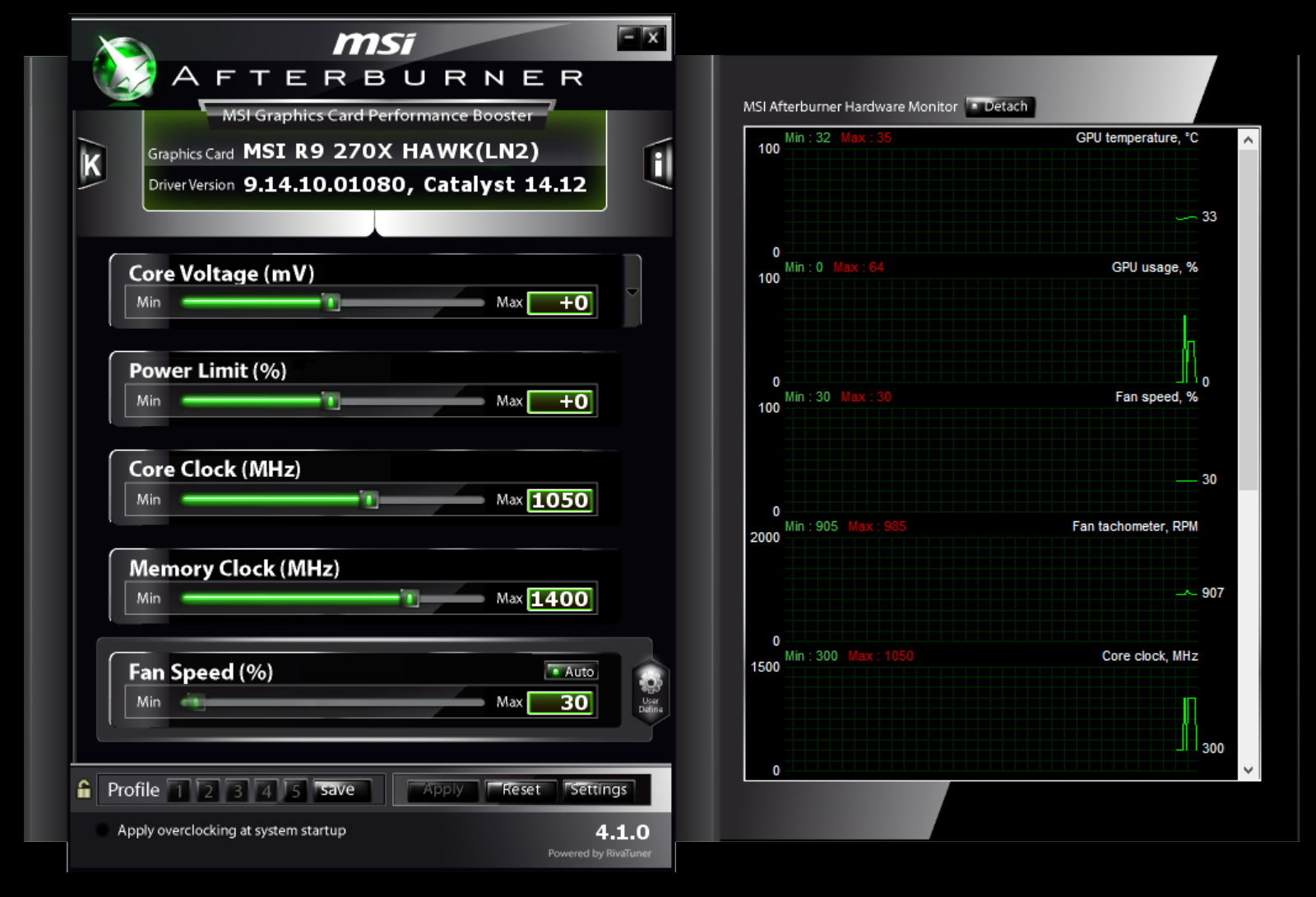
MSI Afterburner is the world’s most recognized and widely used graphics card overclocking utility which gives you full control of your graphics cards. It also provides an incredibly detailed overview of your hardware and comes with some additional features such as customizing fan profiles, benchmarking and video recording.

12. Smartpixel
Smartpixel
Smartpixel

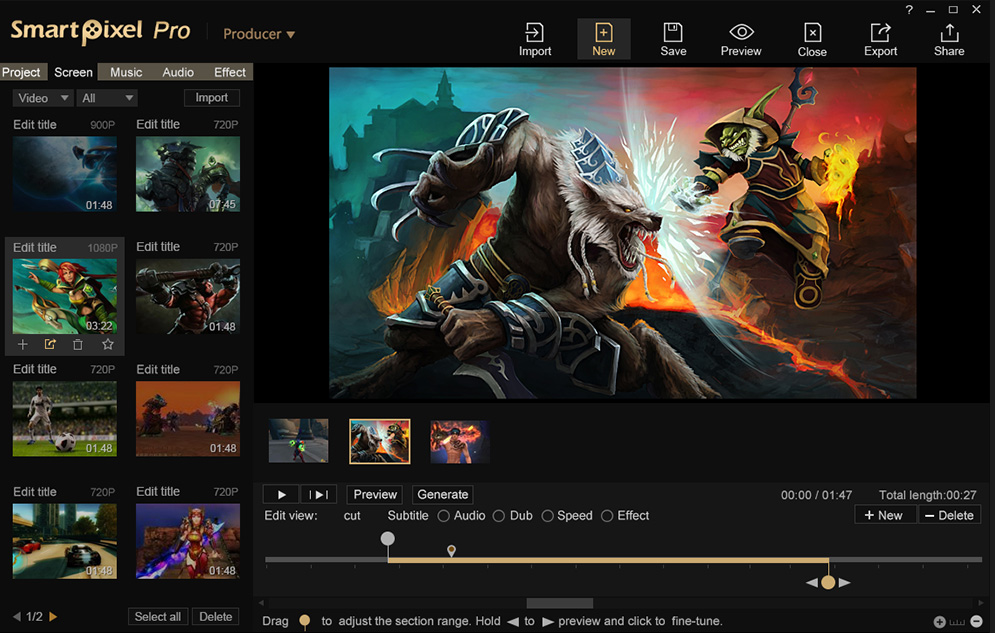
Well, gamers will love Smartpixel. Smartpixel will let you record your gameplay and share it directly on YouTube, Google+. This is one of the lightest game recorders you can ever have on your Windows computer.

13. Camtasia
Camtasia
Camtasia

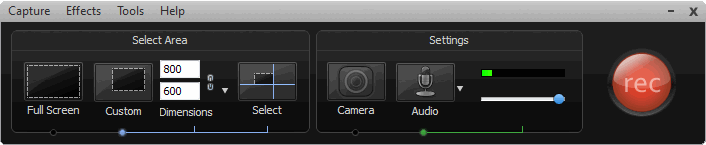
Camtasia makes video editing surprisingly easy. The drag-and-drop editor and video assets help you complete your videos faster. No video experience needed. Camtasia makes it easy to record your screen or import your video and audio files (MP4, WMV, MOV, AVI, etc.)

14. ZD Soft Screen
ZD Soft Screen
ZD Soft Screen

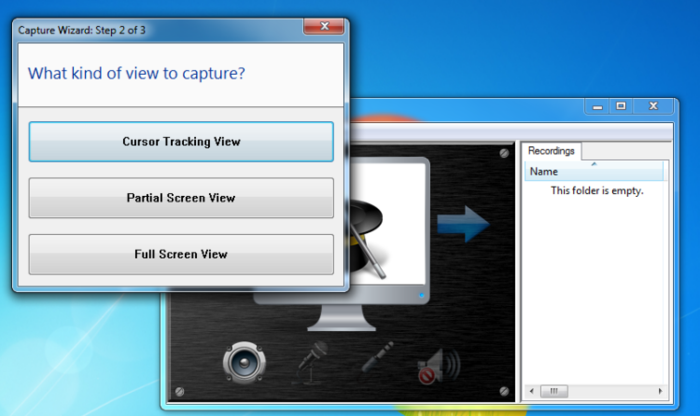
High-performance screen recording is always a big advantage of ZD Soft Screen Recorder. Unlike most other screen recording software in the market uses the GDI screen capture method which can result from high CPU usage and noticeable system lags, ZD Soft Screen Recorder uses the GPU-accelerated screen capture technology.

15. Radeon ReLive
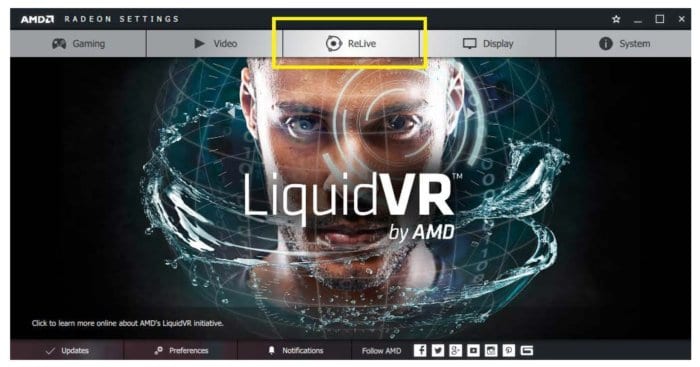
Radeon ReLive
Radeon ReLive

With Radeon Relive you can capture, stream and share your greatest moments and gaming wins. In Radeon ReLive you can modify settings quickly, conveniently. With this tool you can not only record and stream videos, but you can also capture highlights and grab screenshots.

16. OBS Classic
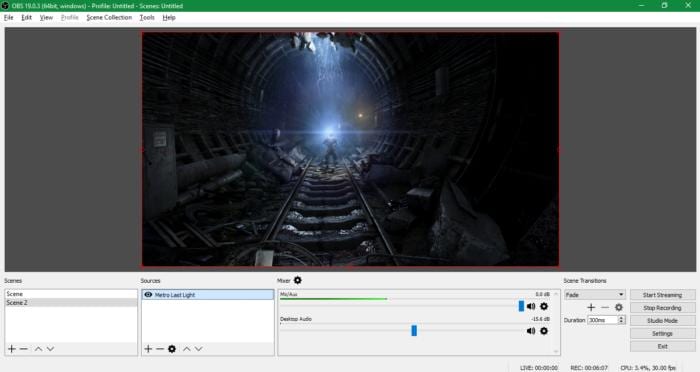
OBS Classic
OBS Classic

This another popular open-source solution for recording gameplay. Not only these, OBS Studio can actually broadcast your game streams on platforms like Twitch. This is a powerful program but this software offers too much for anyone who just wants a quick and easy game capture solution.

17. Filmora Scrn

Filmora Scrn is a professional screen recorder with a built-in video editor, which means you can record and edit your video footage in one place. Filmora Scrn allows you to record the full screen or a specified area of the screen with the system audio, microphone and webcam at the same time. One of the most prominent recording features is that Filmora Scrn can record high paced games at 120 frames per second, which is very important if you want a great gameplay recording frame.

18. Flashback Express
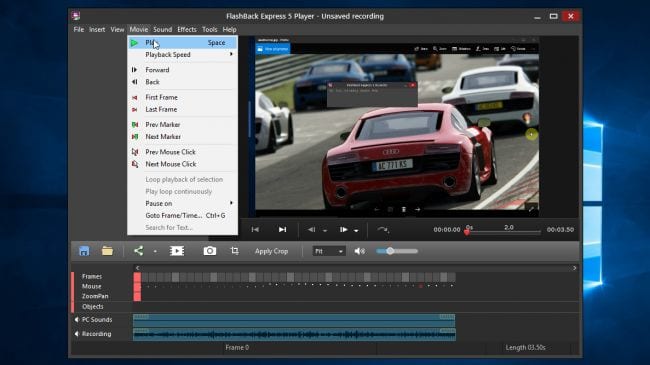
Flashback Express
Flashback Express

Flashback Express is another best software that you can use to record your gameplay. The best thing is that the software doesn’t have any setup process and users just need to tell the program to start recording and it handles the rest of the part for you. The software also houses a built-in video editor which can do some basic editing stuff.

19. Ezvid
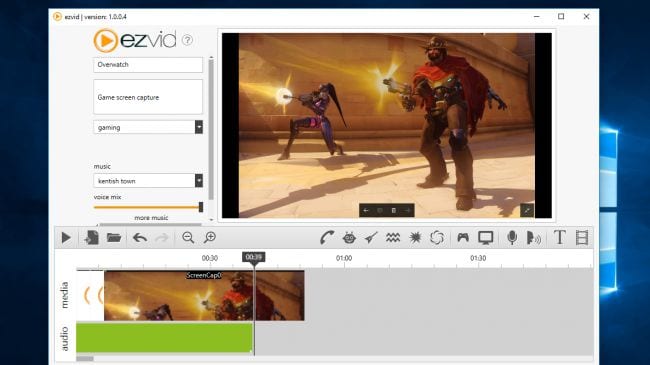
Ezvid
Ezvid

Ezvid is another free tool that you can use to record gaming videos. The app is free to use but it only allows users to record up to 45 minutes of gameplay. So, if you want to record a full 2 hours of gameplay, then Ezvid might disappoint you. However, there are no watermarks on the recorded videos and you can also record the audio from the microphone.

20. Streamlabs OBS
Streamlabs OBS
Streamlabs OBS

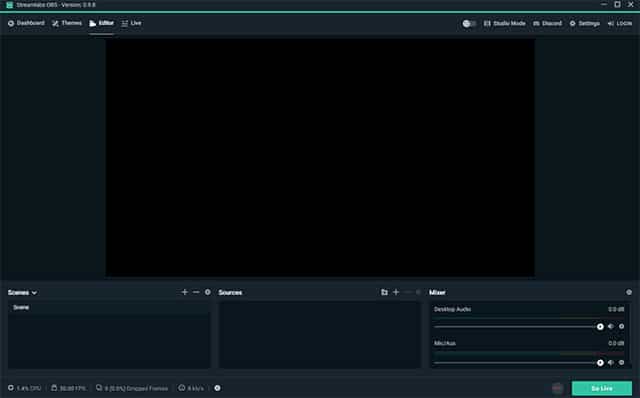
Streamlabs OBS is one of the best video recording and streaming platform which is specially designed to make OBS’s interface for beginners. It’s one of the most used screen recorders for gamers and it provides users lots of tools to record and stream games. So, Streamlabs OBS is definitely the best game recording software that you can use on your computer.

21. Nvidia GeForce Experience
Nvidia GeForce Experience

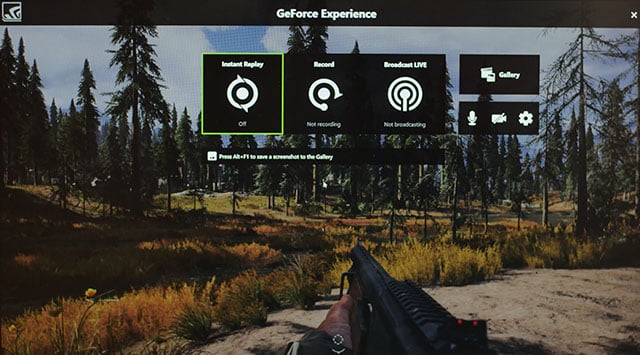
Nvidia GeForce Experience is actually a part of Nvidia drivers and it automatically installs if you have Nvidia GPU. The Nvidia GeForce Experience offers a ShadowPlay feature that provides users with lots of gaming tools like a screen recorder. Not just that, but Shadowplay also uses the GPU to handle the video encoding. So, Nvidia GeForce Experience is another best Windows 10 screen recorder that you can use if you have Nvidia GPU.

22. AMD ReLive
AMD ReLive
AMD ReLive

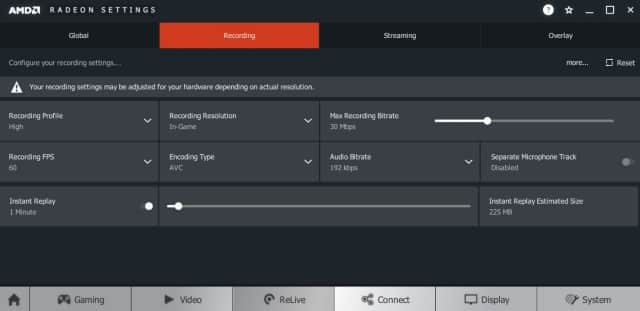
Just like Nvidia GeForce Experience, AMD ReLive is also a part of AMD Drivers. It’s basically a tool which allows users to record gameplay on AMD card. What’s more interesting is its ability to upscale the resolution. That means, if you are playing at 1080p, you can record the gameplay at 4K resolution. So, AMD ReLive is another best Windows 10 game recorder that you can use today.

23. Screencast-O-Matic

Screencast-O-Matic
Screencast-O-Matic

Screencast-O-Matic is basically a screencasting and video editing tool available for Windows operating system. The great thing about Screencast-O-Matic is that it also has a built-in screen recorder which can be used to record windows screen. On its free trial version, the screen capture, webcam recording, and audio recording are limited to only 15 minutes. So, Screencast-O-Matic is another best Windows 10 screen recording tool that you can use right now.

24. iSpring Free Cam
iSpring Free Cam
iSpring Free Cam

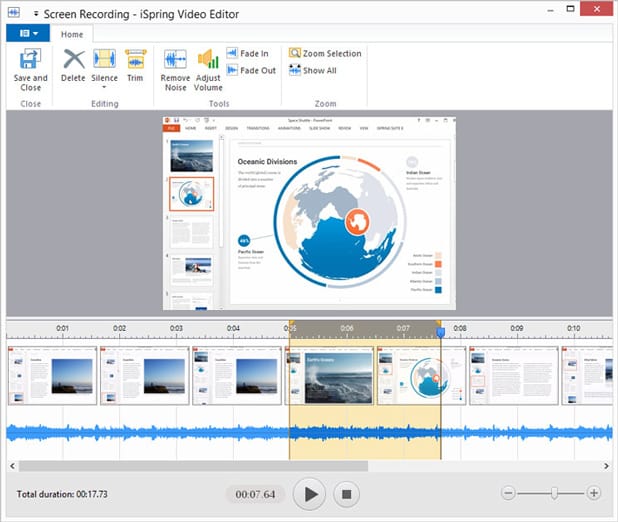
iSpring Free Cam is another top-rated and free Windows-based screen recording software on the list which can be used to record gameplay. The most noticeable part of iSpring Free Cam is its user-interface which looks clean and well-organized. Apart from that, iSpring Free provides an option to directly upload the recordings to various video streaming sites like YouTube, Dailymotion, etc.

So, these are some of the best game recording software that you can use on your Windows 10 PC. If you know any other such software, let us know in the comment box below.

The post 20 Best Game Recording Software For Windows 2020 appeared first on Tech Viral.


from Tech Viral https://ift.tt/2lG1wqd

15 Best Photo Viewer for Windows 10 (2020 Edition)

15 Best Photo Viewer for Windows 10 (2020 Edition)

Back in 2014, Windows 7 used to be the most used desktop operating system. The operating system used to stand out from the crowd due to its impressive features. One such feature is the photo viewer application. In Windows 7, the Photo viewer used to be fast and clean. However, things have changed after the arrival of Windows 10.

Windows 10 introduced a new photo viewer known as ‘Photos’ which has its own drawbacks. The major drawback is that it takes its own sweet time to load. Also, it can only handle a few image file formats. So, the Windows 10’s photo viewer is a huge disappointment for everyone who relied on Windows 7 Photo viewer.

15 Best Photo Viewer for Windows 10 (2020 Edition)

So, if you are amongst those who hate Windows 10’s ‘Photos’ app, then you are reading the right article. Here we are going to share some of the best photo viewer apps that you can use instead of Photos app from Microsoft. So, let’s check out the best photo viewer for Windows 10.

1. Windows Photo Viewer

Windows Photo Viewer

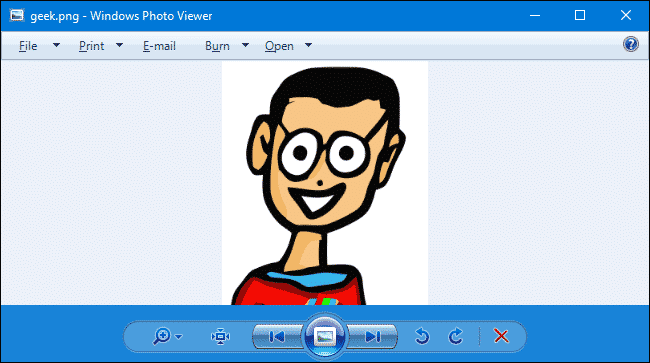
Well, Windows Photo Viewer is the default photo viewer app that we get with Windows 7 operating system. However, after upgrading to Windows 10, we get the new Photos App which is slow and lacks few features. So, the Windows Photo Viewer app will bring the old and most famous photo viewer on your Windows 10 computer.

2. XnView

XnView
XnView

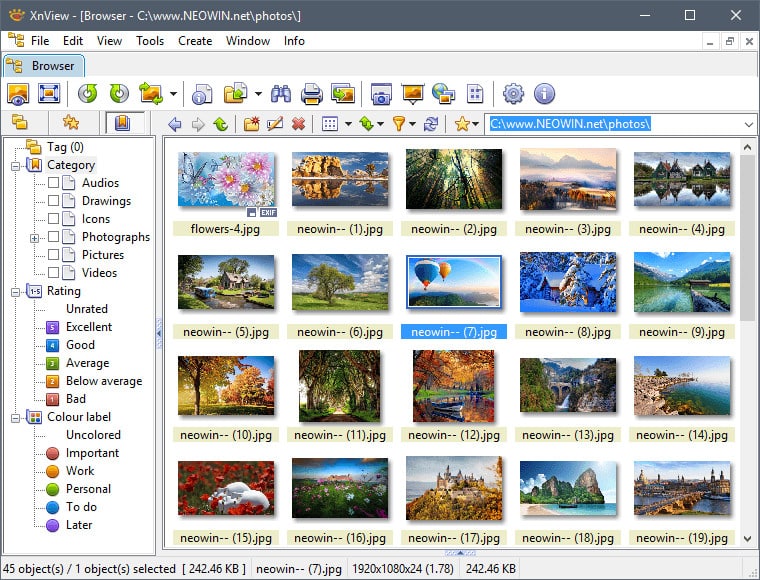
If you are looking for the best photo viewer app that is fast and provides lots of features, then XnView might be the best pick for you. The best thing about XnView is that the photo viewer is pretty fast and it has support for more than 500 different image formats. Not just that, but XnView also got the slideshow feature. So, XnView is another best photo viewer for Windows 10 that you can use right now.

3. Nomacs

Nomacs
Nomacs

Nomacs is another best photo viewer for Windows 10 that you can use right now. The best thing about Nomacs is that it offers lots of features that can improve your photo viewing experience. Not just that, but Nomacs photo viewer for Windows 10 also got the support for RAW and PSD images. So, Nomacs is another best Windows 10 photo viewer app that you can use right now.

4. HoneyView

HoneyView
HoneyView

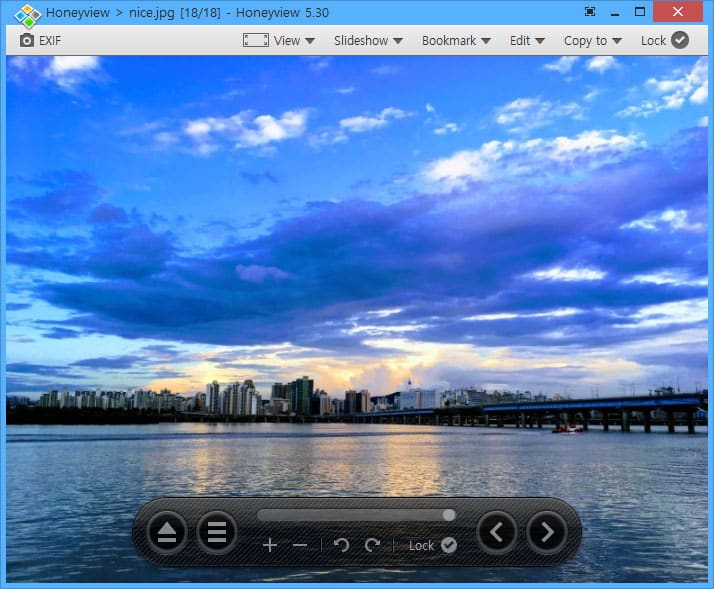
If you are looking for a Windows photo viewer app that looks simple and offers lots of features, then HoneyView might be the best pick for you. The great thing about HoneyView is that it has support for almost all major image file formats. Not just that, but HoneyView also offers few basic photo editing features like crop, rotate, etc. So, HoneyView is another best photo viewer for Windows 10 that you can use today.

5. IrfanView

IrfanView
IrfanView

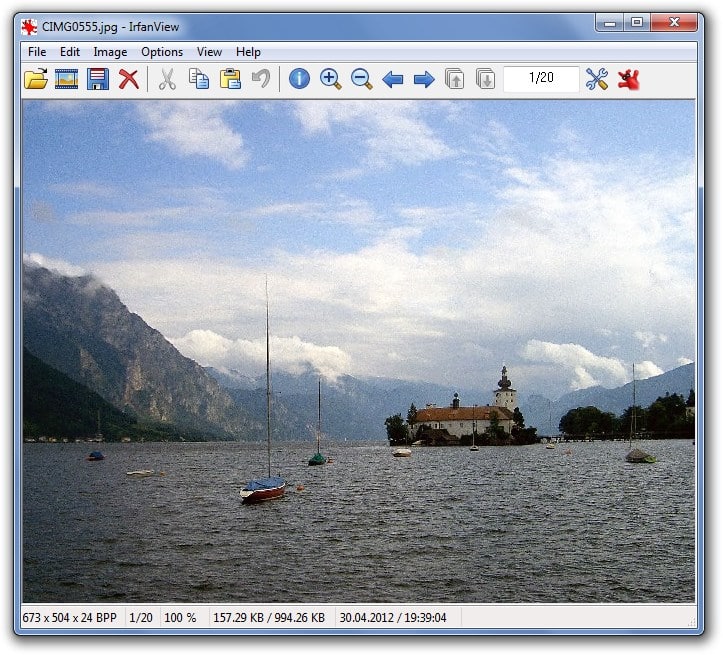
IrfanView is another popular photo viewer app on the list that offers users lots of features. The best thing about IrfanView is that its free to use and it just needs 2MB to install on your computer. Apart from that, IrfanView also offers users lots of unique features like basic editing, OCR support, a wide range of file formats supports, etc.

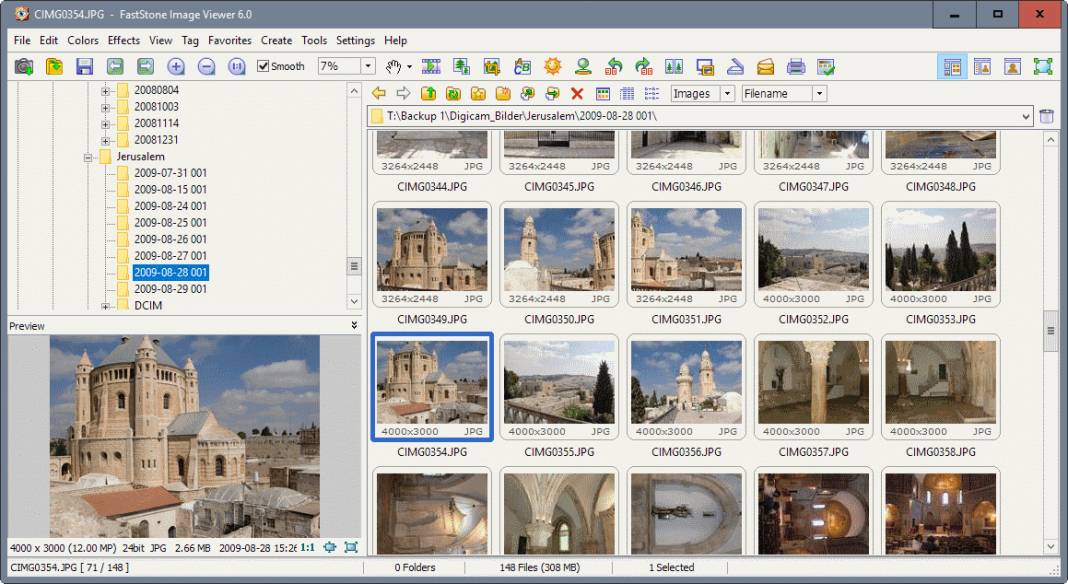
6. FastStone Image Viewer

FastStone Image Viewer

FastStone Image Viewer is another best free Windows-based image viewer that has support for almost all image file formats. The great thing about FastStone Image Viewer is that it has support for multi-monitor configuration which helps to deal with a large number of image files. Not just that, but FastStone Image Viewer also supports almost all major graphics formats like JPEG, GIF, PNG, TIFF, ICO, etc.

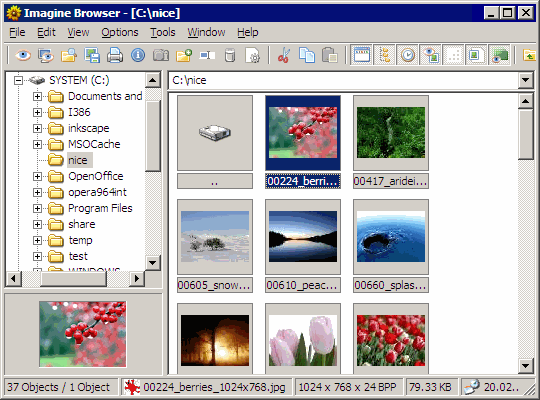
7. Imagine

Imagine
Imagine

If you are looking for a fast and lightweight photo viewer for your Windows 10 computer, then Imagine might be the best pick for you. The great thing about Imagine is that it has support for almost all major image file formats like JPEG, JPEG 2000, PNG, etc. Not just that, but Imagine also supports ZIP, RAR, 7Z, etc. The other features of Imagine include screen capture tools, animation tools, etc.

8. Picasa

Picasa
Picasa

Picasa is one of the best and popular photo viewer software for Windows 10 that you can use right now. The best thing about Picasa is that it automatically detects all images stored on your computer and arranges them in a timeline view. Not just that, Picasa also offers lots of unique photo editing tools to apply filters, textures, gradient, etc.

9. Apowersoft Photo Viewer

Apowersoft Photo Viewer

Apowersoft Photo Viewer is another best Windows Phone viewer on the list which can open almost all image file format like HEIC, JPG, PNG, BMP, PDF, etc. It’s actually more than a Photo viewer tool because it also provides users lots of photo editing options. So, Apowersoft Photo Viewer is another best Windows 10 Photo viewer that you can use today.

10. ACDSee Ultimate

ACDSee Ultimate
ACDSee Ultimate

If you are looking for a Windows 10 photo viewer that has a cool user interface and offers users a wide range of features, then ACDSee Ultimate might be the best pick for you. Guess what? ACDSee Ultimate is one of the advanced photo viewer apps that supports almost all image file formats. Not just that, but with ACDSee Ultimate you can also access some basic photo editing features.

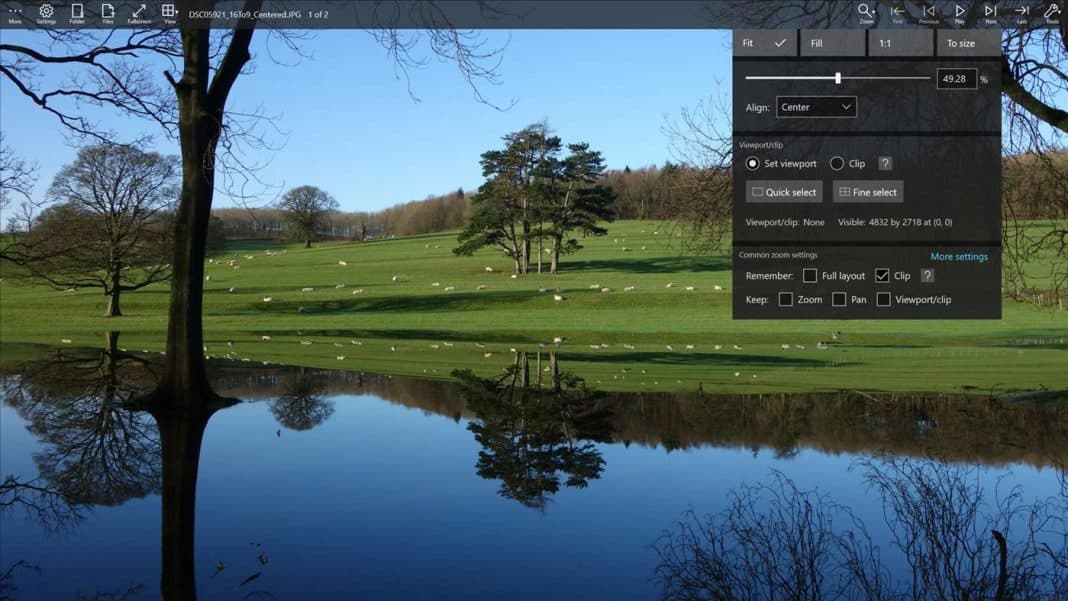
11. Pictureflect Photo Viewer

Pictureflect Photo Viewer

If you are searching for a simple to use photo viewer app for your Windows 10 computer, then you can pick Pictureflect Photo Viewer. The photo viewer app for Windows allows users to review photos in a clean interface and it provides users a wide range of zoom options. Apart from that, Pictureflect Photo Viewer supports a wide range of image formats like PNG, JPEG, HEIC, GIF, etc.

12. 123 Photo Viewer

123 Photo Viewer
123 Photo Viewer

If you are looking for the best Windows 10 photo viewer for the best photo viewing experience and cool features, then you can go with 123 Photo Viewer. The great thing about 123 Photo Viewer is that it supports a wide range of image formats. Not only that, but 123 Photo Viewer also supports drag and drop to directly open an image.

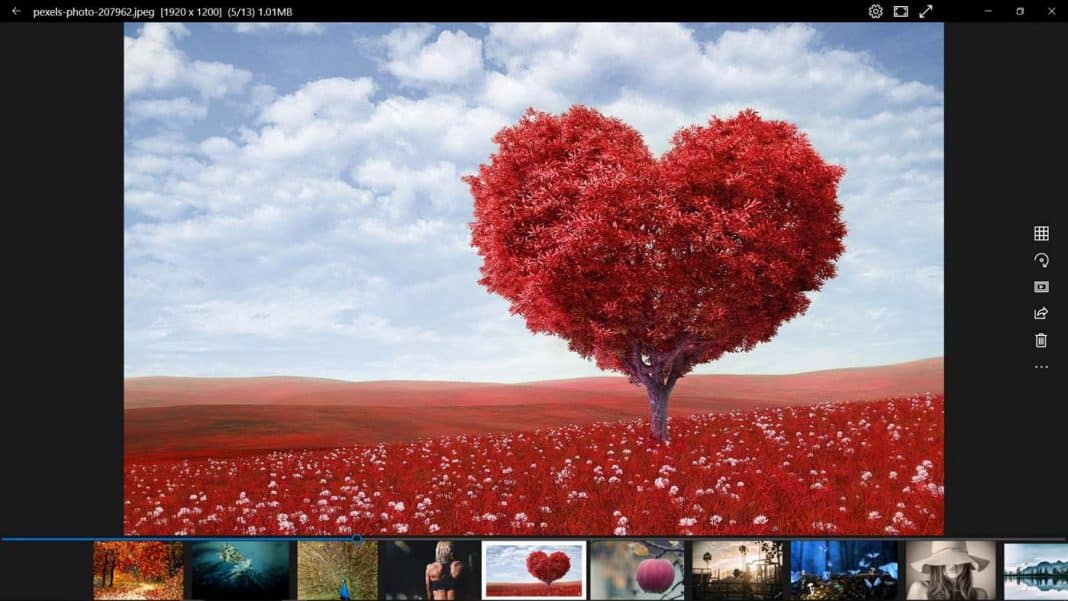
13. One Photo Viewer

One Photo Viewer
One Photo Viewer

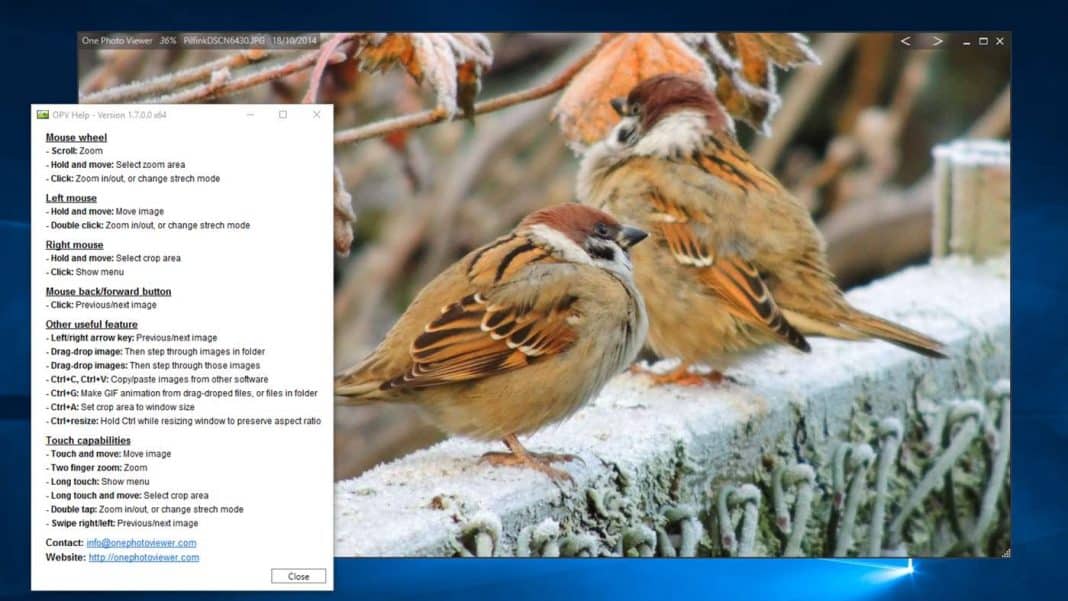
One Photo Viewer is a relatively new photo viewer app available on the Microsoft store. Actually, One Photo Viewer is designed to be used as Windows 10 default photo viewer app. The photo viewer supports a wide range of image formats and offers few photo editing tools as well. So, One Photo Viewer is another best photo viewer that you can use on your Windows 10 computer.

14. File Viewer Plus 3

File Viewer Plus 3
File Viewer Plus 3

Well, File Viewer Plus 3 for Windows 10 is one of the best and universal file viewer software that supports over 300 different file formats. If we talk particularly about the pictures, File Viewer Plus 3 can open over 50 different image file formats. Apart from that, File Viewer Plus 3 also supports RAW files and it also shows the EXIF data for digital photos and camera raw files.

15. Xlideit image viewer

Xlideit image viewer

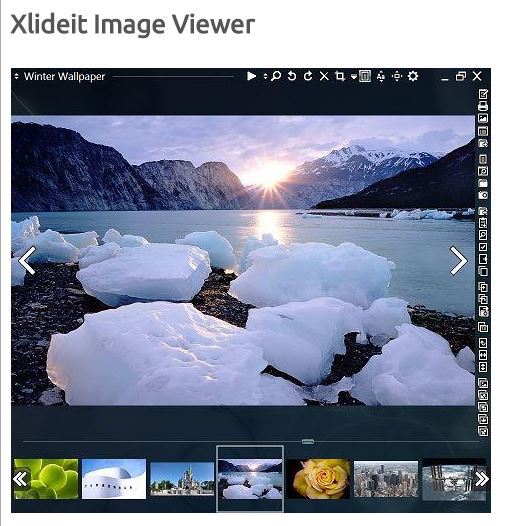
Xlideit image viewer is another best and top-rated Windows photo viewer software that you can use on your Windows 10 computer. Despite being a lightweight tool, Xlideit image viewer provides users with lots of useful features. The software specializes in Image management, image processing, and image editing. Just like the default Windows photo viewer, Xlideit image viewer also provides users a toolbar to access useful features like Zoom, rotate, crop, delete, resize, etc.

So, these are the best Photo viewer software for Windows 10 that you can use right now. If you know any other such apps, then make sure to drop the name in the comments. I hope this article helped you! Share it with your friends also.

The post 15 Best Photo Viewer for Windows 10 (2020 Edition) appeared first on Tech Viral.


from Tech Viral https://ift.tt/2TQFYfy

10 Best Data Recovery Software for Windows in 2020

10 Best Data Recovery Software for Windows

We use the best possible quality of Hard Disk & SD Cards to store all our necessary data, but what when you lost your data accidentally. It’s very common to lost data not only on the personal level but also on the professional environment; If you make such a big mistake in your office, then you may even lose your job also.

Have you recently lose your files and want to recover it?

You are in the right place; Here in this article, we are going to review 10 Best Data Recovery Software for Windows 2020 that helps you to get your important files back.

10 Best Data Recovery Software for Windows in 2020

1. Recuva


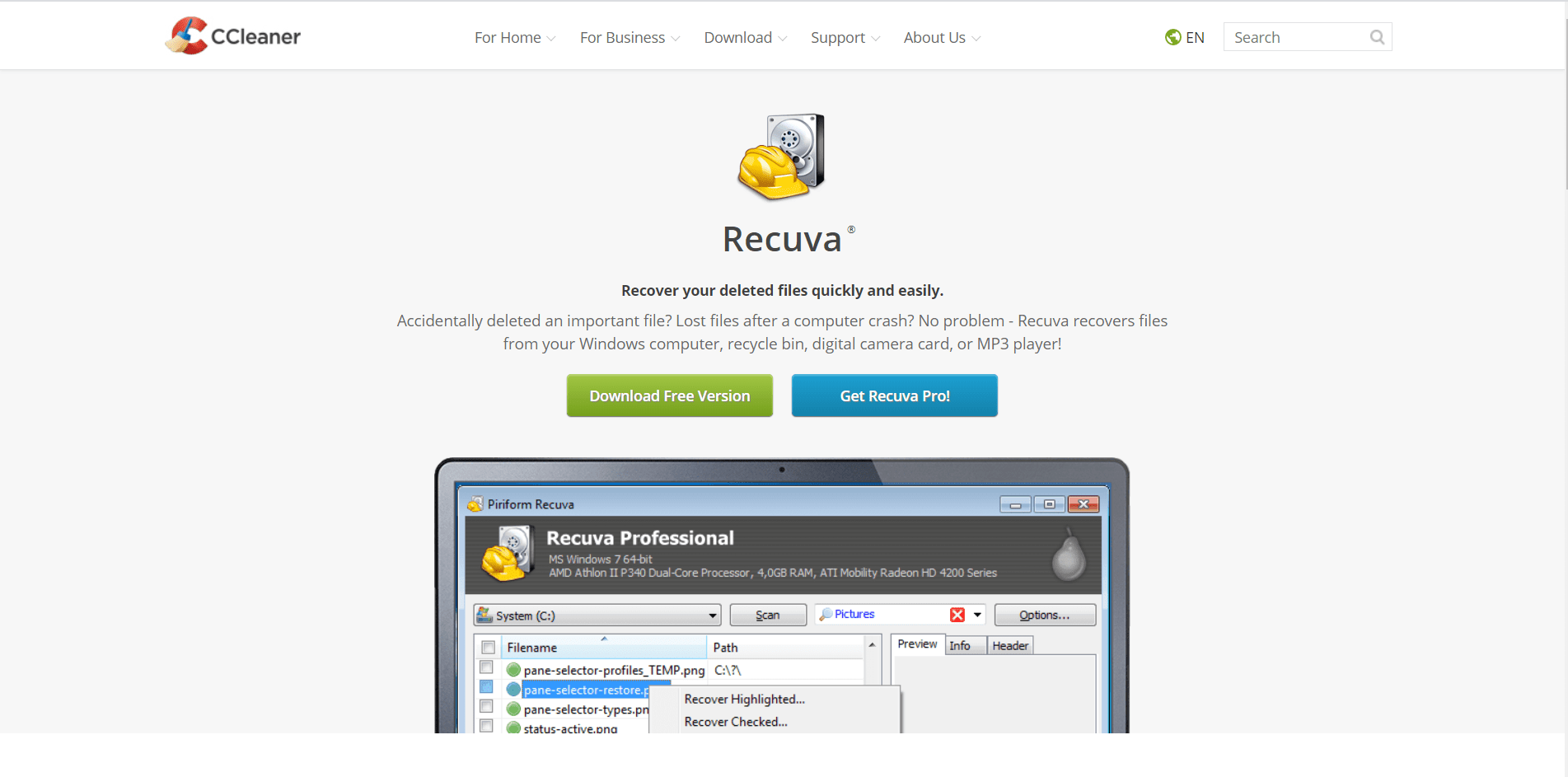
Recuva is one of the best freemium data recovery software that allows you to recover your deleted files quickly and easily. With this software, you can quickly recover the files from your windows computers, recycle bin, digital cameras cards, pen drive, and MP3 Player.

Recuva preferred by professions because of its easy to use interface, the best result, and it’s also available for free. The only disadvantage with this software is that you have to pay for the advanced features of this software.

2. PhotoRec

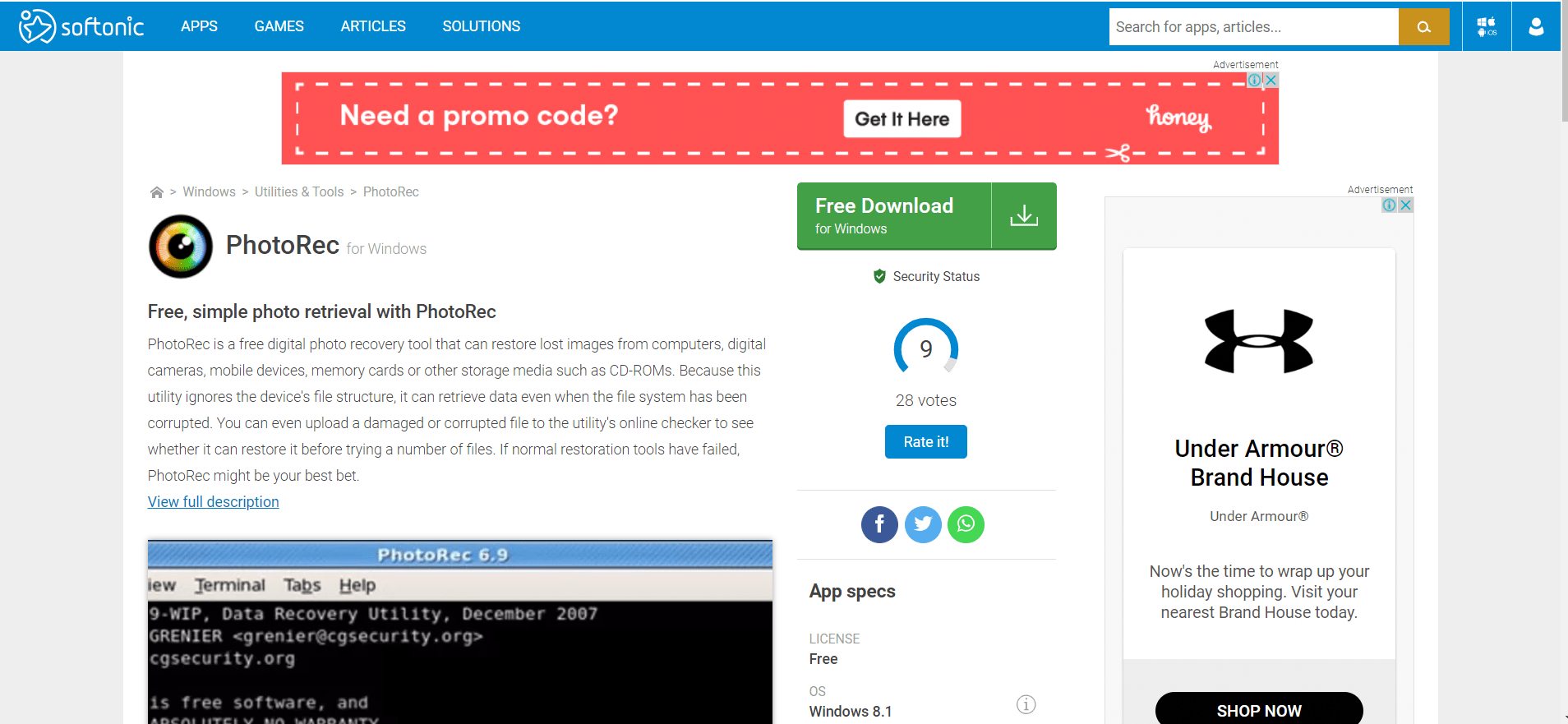
PhotoRec is an entirely free data recovery software; it’s primarily a digital photo recovery tool that will help you to the recovery of your images. PhotoRec can work with computers, digital cameras, mobile devices, memory cards or other storage media such as CD-ROMs.

You can even get you photos if the files system has been corrupted because this utility ignores the device’s file structure. It works on many file formats, not just images. One of the best things about this software that is available for both Windows & Mac operating systems for free.

3. Undelete 360

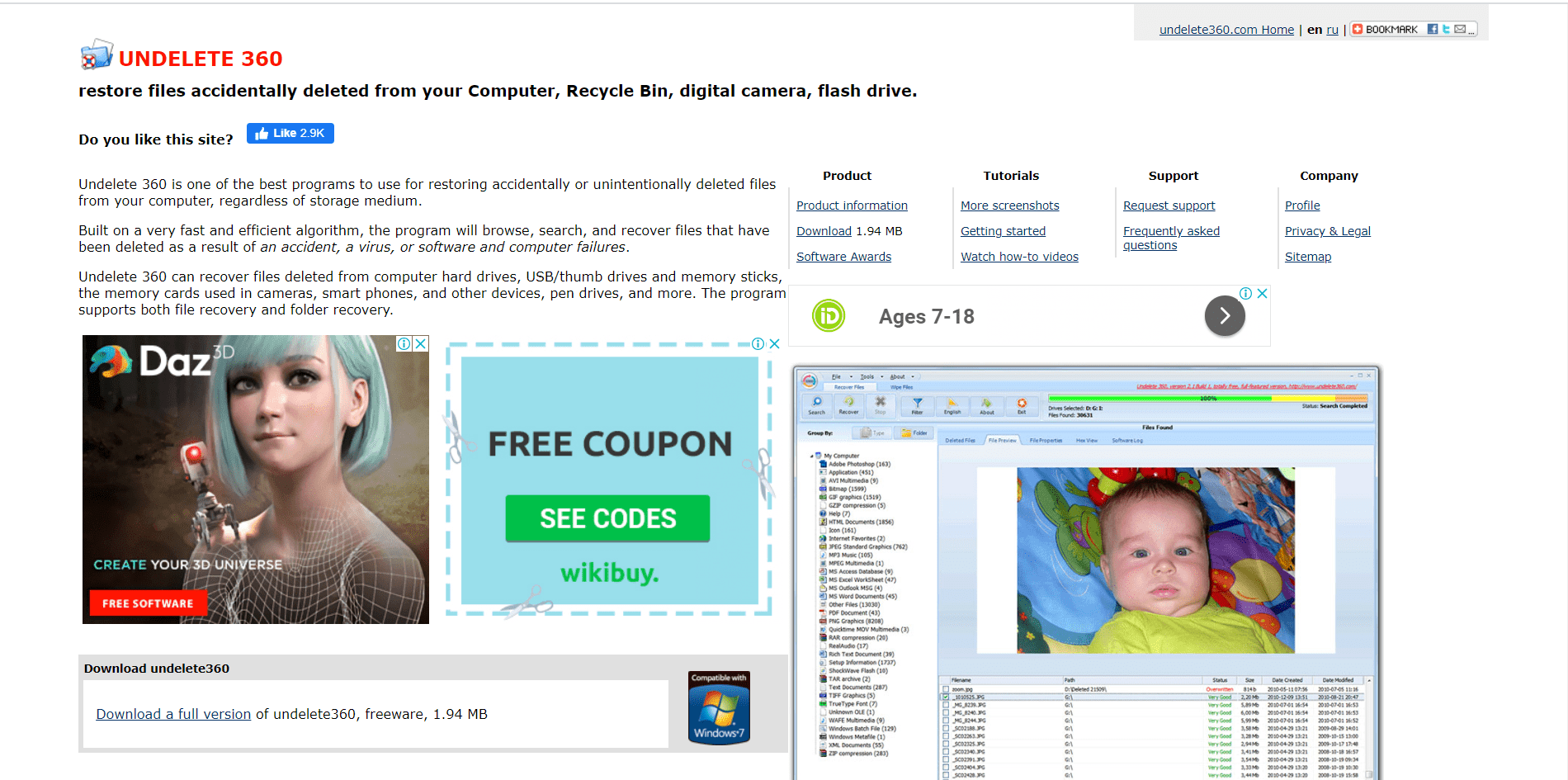
Undelete 360 builds with high-speed and efficient algorithms that allow you to restore all you accidentally deleted files from any storage devices or computer. It will scan you entirely driver, search for files, and try to recover it. It allows you to recover both files and folders.

Undelete 360 works with computer hard drives, USB/thumb drives, and memory sticks, the memory cards used in cameras, smartphones, and other devices, pen drives, and more. It’s free software that offers you proper result filtering, straightforward to use, fast, file wiping feature. the only disadvantage is results can be hit and miss.

4. Pandora Recovery

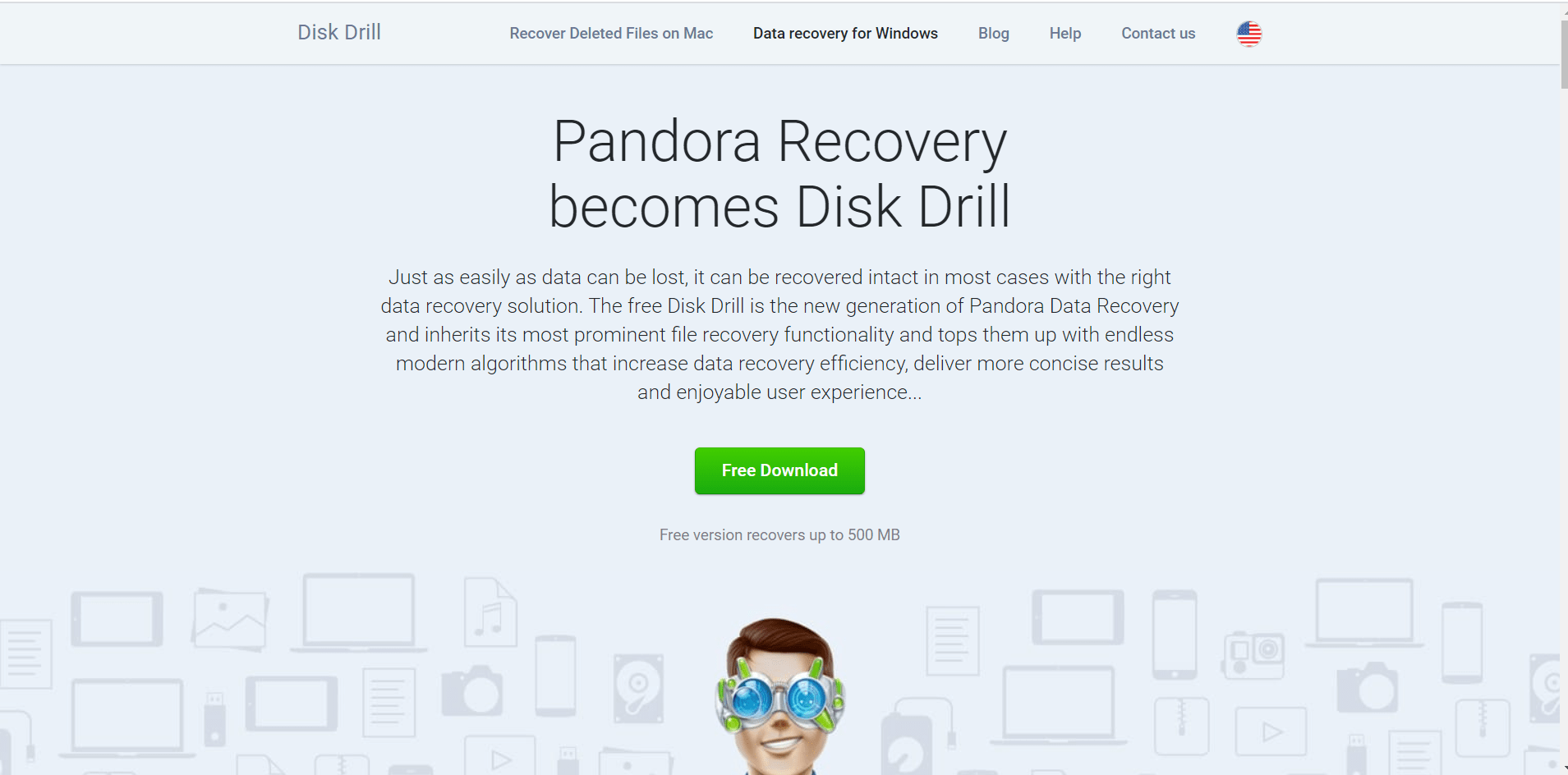
Pandora Recovery will offer you unbelievably fast scanning and recovery with multiple formats with the help of its native scan or reconstruction. It’s to advance algorithms will allow you the recovery you data with multiple scans, including Quick Scan, Deep Scan, Lost Partition Recovery, and many more algorithms involved right out-of-the-box.

Pandora Recovery can work with a different type of drive, its support NTFS (NTFS5, EFS), FAT (FAT16, FAT32, FAT64), ExFAT, EXT4, and lots of other files systems. You can also recover the data from a damaged or corrupted hard disk or SD card.

Must Read: How To Reinstall Windows Without Losing Data

5. EaseUS Data Recovery Wizard

EaseUS Data Recovery Wizard is the best freemium data recovery software developed by Easeus.com. You can use recovery up to 2 GB for free as the trial after that you have to pay if you want to recover more files.

After purchasing this software, you can able to recover unlimited data from formatted drivers, its work different data loss situation. EaseUS Data Recovery Wizard will help you to different data loss situations, can recover data from deleted, hidden, lost, or raw partition.

6. Stellar Data Recovery

Stellar Data Recovery is the best risk-free data recovery program that allows you to recover your data from different types of storage devices like memory cards, smartphones, USB drives, and hard disks. Its very simple to use a staller data recovery program.

This data recovery program is full of advanced features and fast drive file recovery; You can also try their features before purchasing.

7. TestDisk

TestDisk is the best data recovery software which is specialized in at back lost partitions and fix non-booting disks. It features multiple file recovery features.

It’s a free software perfect for both novices and experts; It can recover/rebuild the boot sector, fix or recover deleted partition table & undelete files from FAT, exFAT, NTFS, and ext2 file systems.

8. DoYourData

DoYourData is the combination of lots of advanced features such as File preview before recovery, Sorting based on file types, time, and path Exporting scan result database for later usage.

This data recovery software will let you choose from to recovery option Quick Recovery and Advanced Recovery; If the Quick Recovery does not work for you, then you can go with Advanced Recovery.

9. MiniTool Power Data Recovery

MiniTool Power Data Recovery will generate a recovery report that will help you to know what the program has found to assist you in data recovery; It can also scan for the missing partition.

This software is famous because of its easy to use interface, its specialized in data recovery on an entire partition.

10. PC Inspector File recovery

PC Inspector File recovery work with the different file formats including ARJ, AVI, BMP, DOC, DXF, XLS, EXE, GIF, HLP, HTML, JPG, LZH, MID, MOV, MP3, PDF, PNG, RTF, TAR, TIF, WAV and ZIP. It’s able to recover the data from local hard disk or network drives.

Also allows you to scan the particular folder for the disk with cluster scanners, PC Inspector File Recovery is the most preferred data recovery software by the professionals.

Final Words

Those are the Top 5 Best Data Recovery Software for Windows that help you to recover your files; some of them are free. Data recovery is not so easy; we will recommend you to watch the tutorials of that software on youtube in order to use it effectively.

We hope this article on Top 5 Best Data Recovery Software for Windows is helpful for you. If the article is useful for you in any manner, then kindly share it on social media. Please stay connected with us for the latest tech news and all the other technology updates.

The post 10 Best Data Recovery Software for Windows in 2020 appeared first on Tech Viral.


from Tech Viral https://ift.tt/2MKHs69