
If we talk about the most important hardware components inside a computer, many of us would think of Processor and RAM. Although it’s true up to some extent, Hard drives also play an important role. It doesn’t matter if you have an i5 or i7 Processor, if your Hard drive is outdated, the system will boot slower and it would load programs slowly.
This is the only reason advanced users switch to SSD’s these days. Installing a new SSD can change your entire computer experience. It can breathe new life into your computer and can make it faster. Windows don’t provide users any built-in utility to check the health of SSD. So, if you are willing to know if your SSD is performing well, then you need to use third-party software.
5 Best Free Tools to Check SSD Health in 2020
There are plenty of PC Benchmark tools available out there that can give your hardware a performance test to see how well they are performing. By performing a test, you will get a clear idea of whether your SSD is fine or need a replacement. So, in this article, we are going to list down some of the best benchmark tools for SSD in 2020.
1. CrystalDiskMark
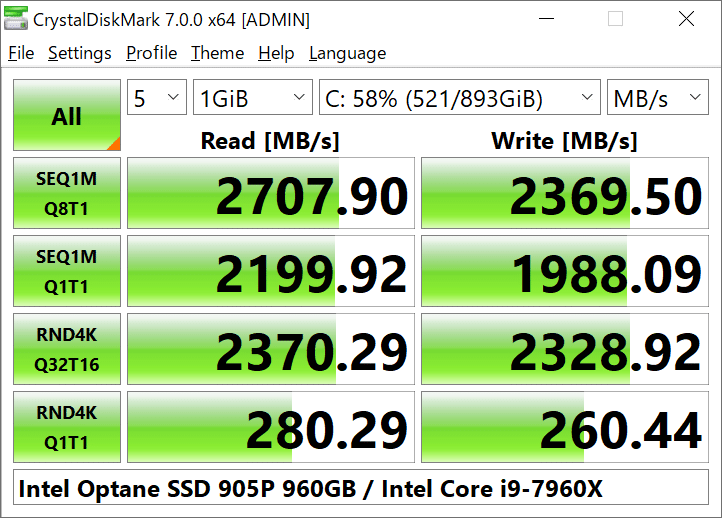
It’s one of the best and lightweight PC Benchmarking tools available out there. The tool is compatible with Windows operating system and it performs a stress test on USB drives, RAMDisks, SSD Drives, and Hard drives. To perform a test, it lets you set the test size between 50MB and 4GB. After getting the results, you can compare the current read and write speed with the regular one.
2. AS SSD Benchmark
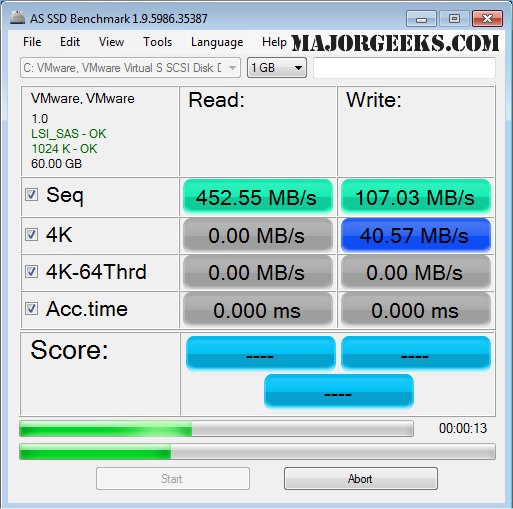
Well, AS SSD Benchmark is pretty much similar to the CrystalDiskMark, but it focuses more on benchmarking SSD drives. The key thing about AS SSD Benchmark is that it lets you test random read and write performance as well as a sequential read and write performance. It’s a portable tool, which means you can run it on other computers via USB drive.
3. Anvil’s Storage Utilities
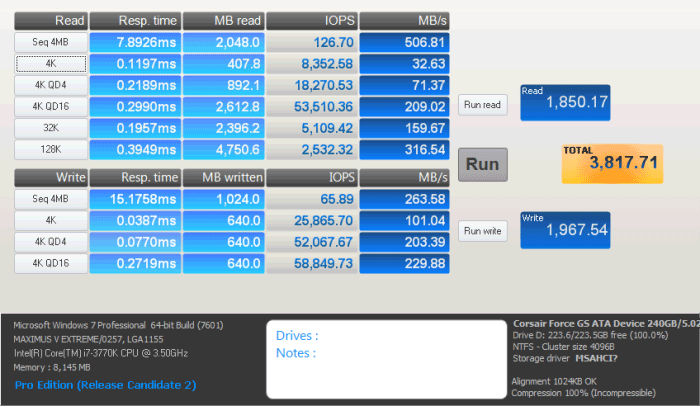
Anvil’s Storage Utilities is a little bit advanced compared to the other two listed above. Apart from performing a complete read and write test, it also shows other things like response time, Input/Output operations per second, speed in MB/s, etc. Apart from that, it also got a screenshot button to save a quick screenshot of a test result. So, Anvil’s Storage Utilities is another comprehensive benchmark tool for SSD on the market.
4. Intel Solid-State Drive Toolbox
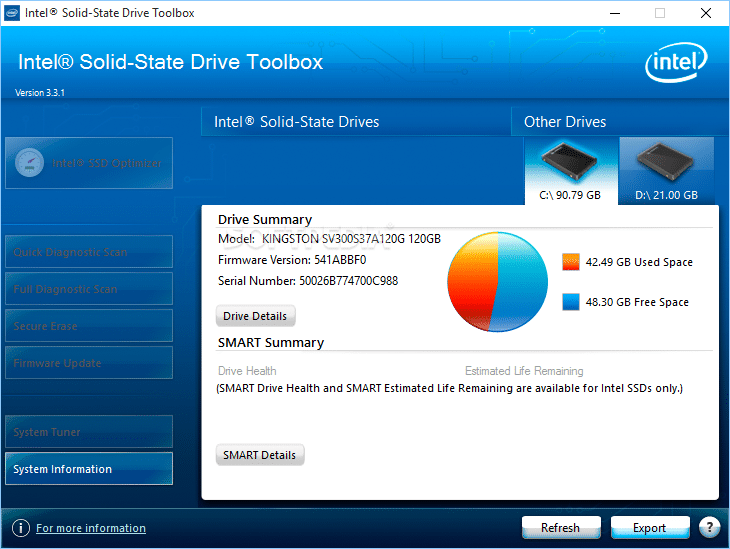
Well, if you are using Intel SSD and searching for an SSD benchmarking tool to check SSD’s health, then Intel Solid State Drive Toolbox might be the best pick for you. It tells everything about the SSD like model number, drive health, estimated drive time, SMART attributes, etc. Apart from the benchmark, it also performs firmware updates and optimizes the SSD drive.
5. SSD Life
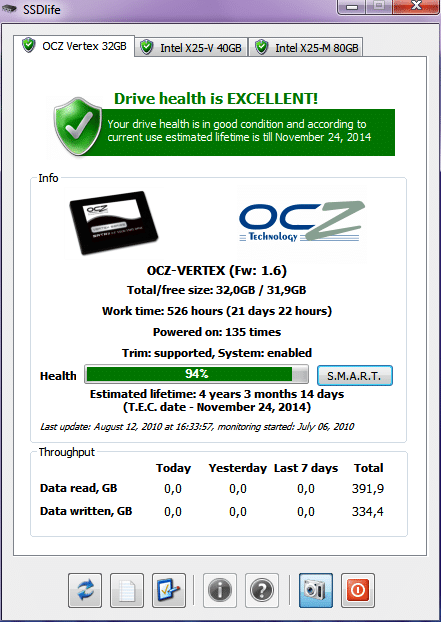
As the name of the tool says, it’s a dedicated tool for Solid State Drives that can be used on Windows operating system. With SSD Life, you can easily measure your SSD’s health and speed. Not only that but it shows the SSD details like Firmware version, model number, etc. Other than that, it calculates the lifespan of SSD, current health, etc.
So, these are the best free tools to check SSD health and monitor performance. I hope this article helped you! Share it with your friends also.
The post 5 Best Free Tools to Check SSD Health in 2020 appeared first on Tech Viral.
from Tech Viral https://ift.tt/2K3YYQR

No comments:
Post a Comment