Recently, we have received multiple messages from our readers regarding the best screen recording software. Well, there are plenty of screen recording software available for Windows, but not all of them offer value for money in terms of features.
Screen recording softwares was now heavily used by gamers and bloggers. With screen recording software you can easily record everything that’s happening on your computer screen. So, if you are also searching for the best screen recording software for Windows, then you have landed on the right page.
25 Best Screen Recording Software For Windows
In this article, we are going to share some of the best screen recording software for Windows that offer value for money in terms of features. So, let’s check out the best screen recording software for Windows.
1. Icecream Screen Recorder
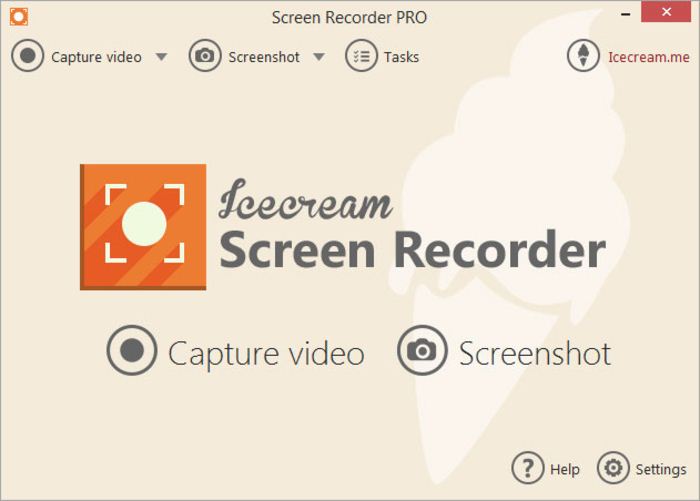
Icecream Screen Recorder, a tool that enables you to capture any area of your screen either as a screenshot or a video file. The intuitive and easy to use software offers a complete suite of tools and options for professional screen capture. With their screen recording software, you can record webinars, games and Skype videos in HD and much more in a quick and hassle-free way.
2. CamStudio
This tool is another best one that will allow you to monitor your desktop activities in your absence as you can easily record out your screen with this software. CamStudio can record all screen and audio activity on your computer and create industry-standard AVI video files and use its built-in SWF Producer can turn those AVIs into lean, mean, bandwidth-friendly Streaming Flash videos.
3. EZVID
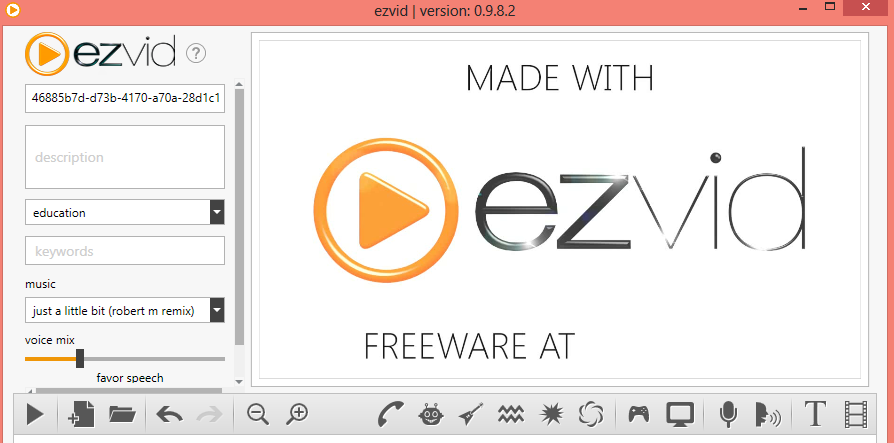
It is a freeware tool that will help you to record screen in the best quality easily. And this is one of the best freeware tools available that let you record your computer screen. Ezvid is exceptional because of the power of its cutting-edge effects and features. With voice recording, face cam, voice synthesis, screen drawing, and speed control, Ezvid the world’s single best solution for making videos that entertain, inform, and enchant your viewers.
4. Webinaria

This is best for the person that loves open software products as this is one of them. Things that you can do with these tools are:-
5. TinyTake

TinyTake is a free screen capture & video recording software for Microsoft Windows & Mac. With TinyTake, you can capture images and videos of your computer screen, add comments and share them with others in minutes.
6. Active Presenter
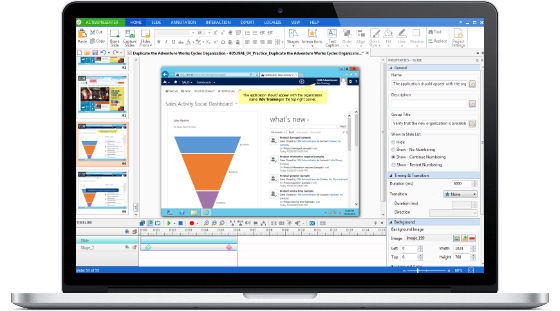
ActivePresenter is a powerful tool for recording screen, creating screencast videos, training videos, and interactive HTML5 training contents. With the full-featured editor, ActivePresenter allows you to record screen, edit audio/video, tweak the look and feel of content, and define the branched scenarios easily and effectively.
7. Camtasia
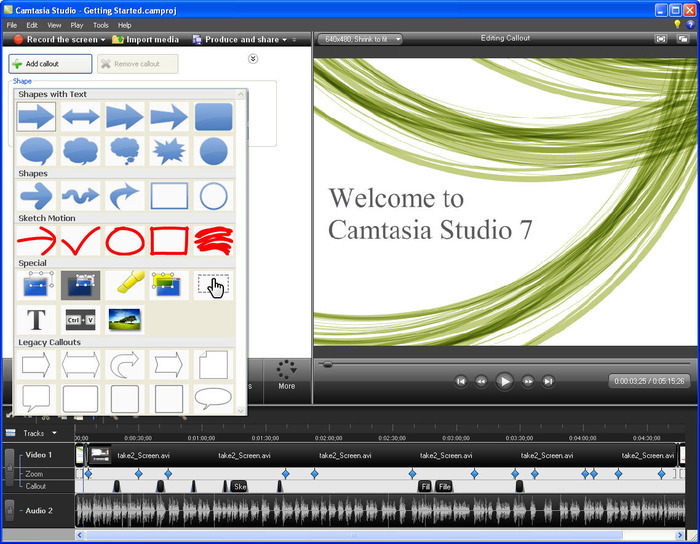
Camtasia empowers you to make amazing videos—even if you’ve never made one before. Record a video of your screen or bring in your video footage. With Camtasia, you’ll be able to produce stunning videos without being a professional video editor.
8. Rylstim

It is the most simple tool you can have on your computer if you want to record what is happening on your computer screen. You just need to select codec, frame rate and location where you would like to store the files and just hit the “Start Recording” button.
9. Bandicam
Bandicam is a lightweight screen recorder for Windows that can capture anything on your PC screen as a high-quality video. Also, it makes it possible to record a certain area on a PC screen or capture a game that uses the DirectX/OpenGL/Vulkan graphic technologies.
10. Free Screen Video Recorder
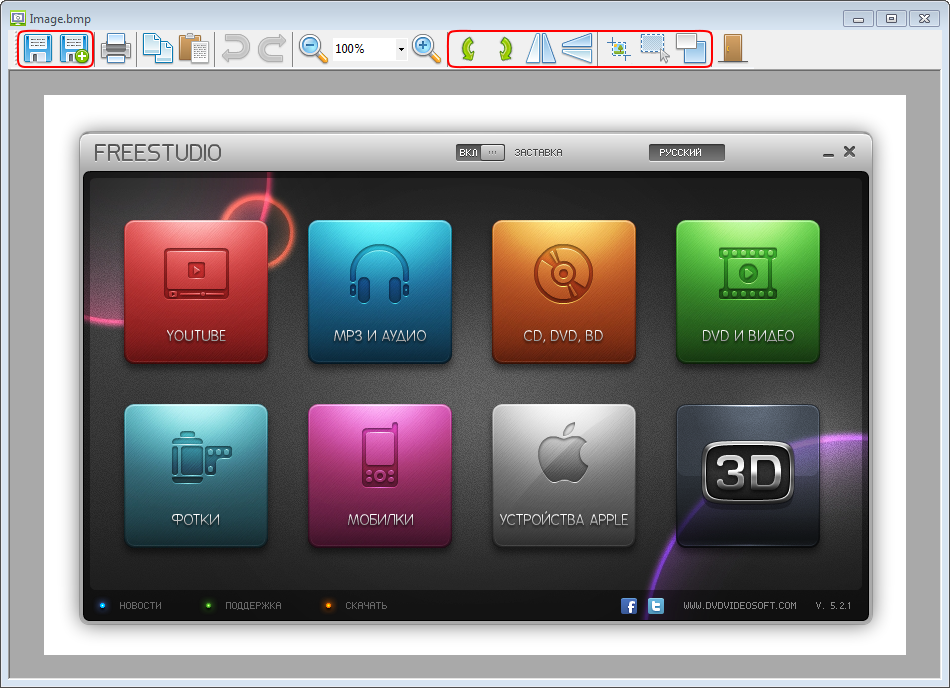
Free Screen Video Recorder is a compact, yet full-featured screen video recorder and screenshot capture tool that allows you to easily record screen activities and capture anything on the screen including windows, objects, menus, full screen, and rectangular regions.
11. Snagit
Snagit software gives you the complete tool for screen capture and video recording on Windows and Mac. Combine traditional screenshots, video recording, image editing, and file sharing. It’s fast and easy to visually explain anything on your screen.
12. Jing

Whether for work, home, or play, Jing gives you the ability to create basic visual elements and share them with others. The software takes a picture or video of the user’s computer screen and uploads it to the Web, FTP, computer or clipboard.
13. Morae
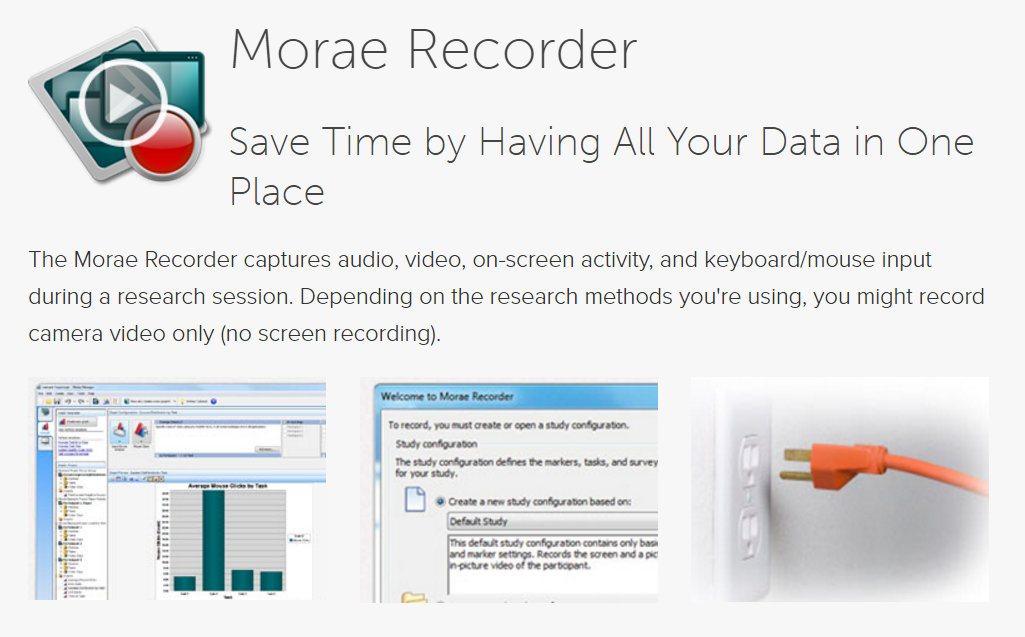
Morae is a unique user experience testing software that observes and records live sessions from anywhere through a network.
14. GoPlay Editor

If you ever needed to record screen, gameplay or your webcam. Then this editor can help you to achieve it easily. GoPlay editor lets you edit every letter and picture of the recorded screen independently.
15. ScreenFlow

ScreenFlow is an award-winning and easy to use video editing, screen recording and sharing tool from Telestream. Come join the video revolution! With the help of ScreenFlow, you can create stunning videos.
16. OBS Studio
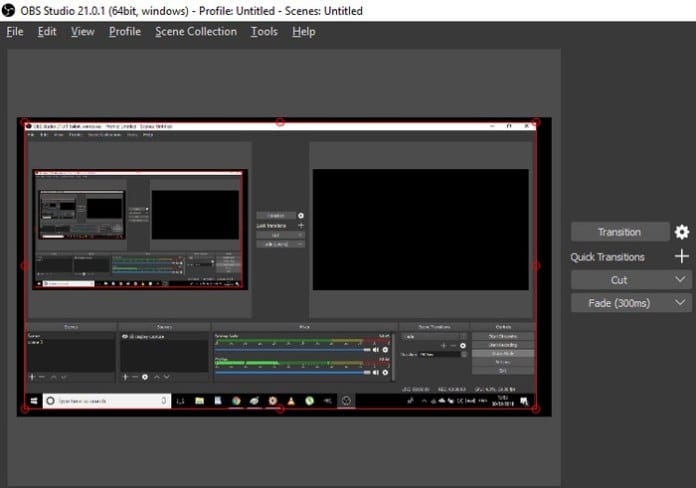
This is one of the best screen recording tools you can have on your Android smartphone. Apart from just recording your Android’s screen, it also brings lots of video editing tools to the table. OBS Studio doesn’t impose a restriction on the length of the videos. You can record your computer screen in various resolutions and video formats.
17. Movavi Screen Capture Studio
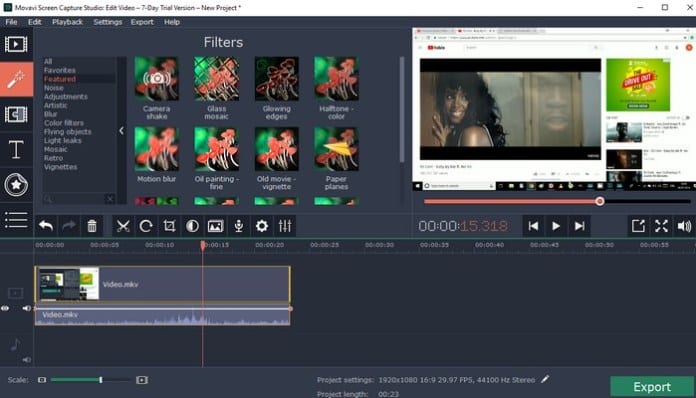
This is one of the best software available for Windows that allows a user to record their computer screen. Movavi Screen capture studio is packed with lots of screen recording and video editing tools. There is no limit on the length of videos you can record with this awesome screen recording tool.
18. SmartPixel
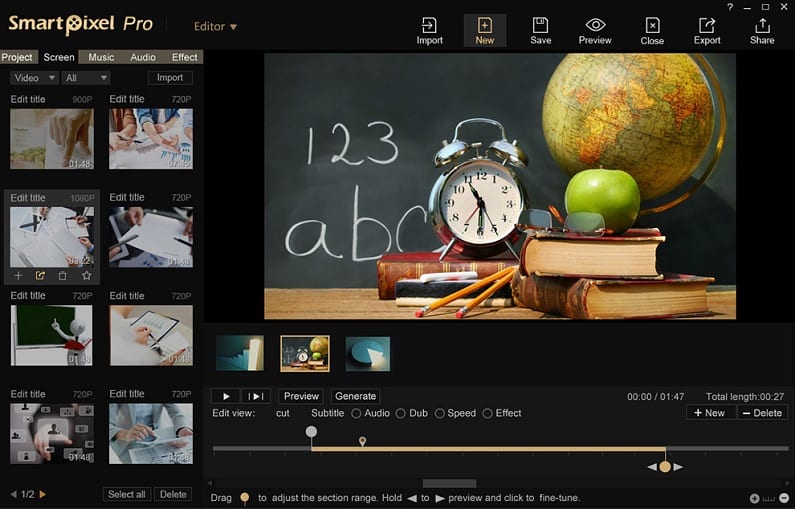
This is another best piece of the tool which is loved by many gamers. Well, this tool basically records everything displayed on your computer screen. This tool is designed with gaming in mind, so, the recording is smooth and seamless.
19. Screencast-O-Matic
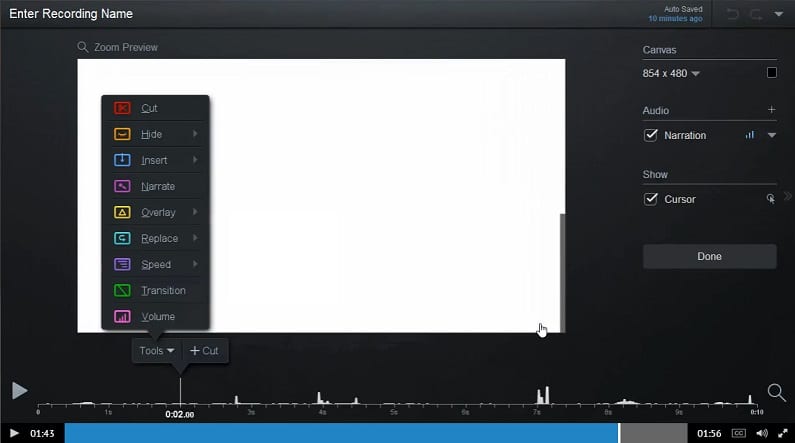
Well, if you are looking for a screen recorder for Windows that can record your screen or webcam, then Screencast-O-Matic might be the best choice. The great thing about Screencast-O-Matic is that it allows users to upload the videos directly to YouTube. The free version of Screencast-O-Matic shows watermark, but if you could ignore that, then the screen recording tool is worth a try.
20. iSpring Free Cam

If you are looking for a free and easy to use screen recording tool for your Windows 10 computer, then iSpring Free Cam might be the perfect pick for you. The software is lightweight and it also brings some video editing features. For instance, you can remove the background noise of your recorded videos, add audio effects, etc.
21. ShareX Screen Recorder

If you are searching for a free and open-source screen recording tool for your Windows 10 computer, then ShareX Screen Recorder might be the best pick for you. Guess what? ShareX Screen Recorder provides users a wide range of options to capture screen. For example, users can choose to capture the entire screen or a region of a screen. Not just that, but with ShareX Screen Recorder users can also annotate recordings and screen captures.
22. ApowerREC
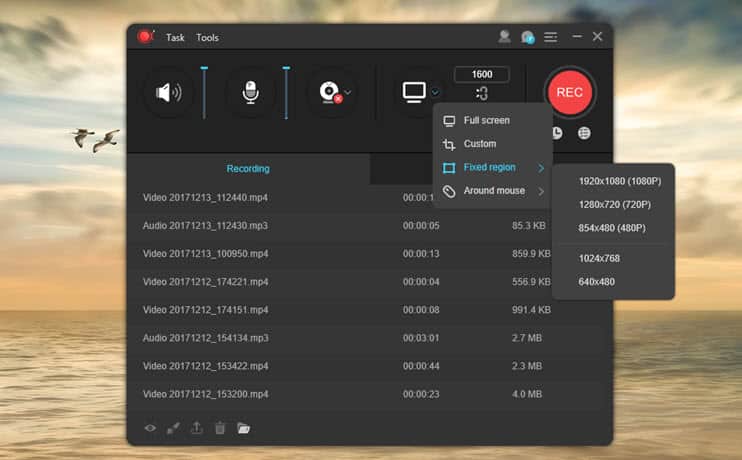
ApowerREC is another best Windows 10 screen recording software on the list which is mostly used for recording webcam footage. Guess what? ApowerREC allows users to schedule recordings. Not just that, but ApowerREC can also be used to live stream the recordings. The software is mostly used by YouTube content creators. The advanced features of ApowerREC include video converting, annotate recordings, record audio, apply effects, etc. So, ApowerREC is definitely the best windows 10 screen recorder which you can use today.
23. XSplit Broadcaster
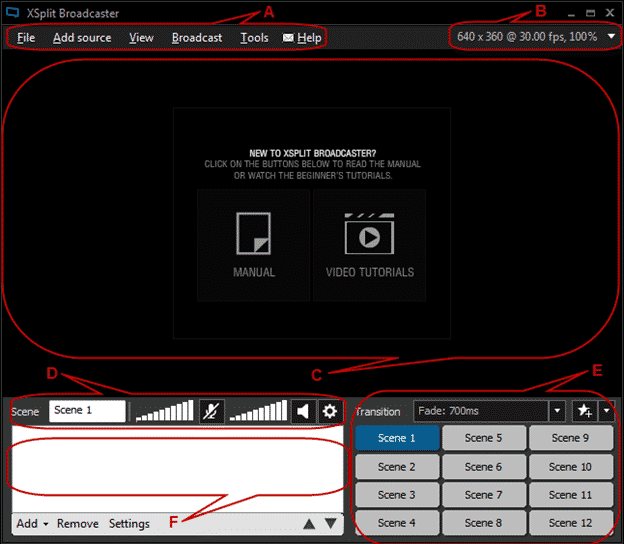
XSplit Broadcaster is basically a free live streaming software which has some screen recording features as well. Guess what? with XSplit Broadcaster, you can live stream or upload your recordings directly to popular platforms like Facebook, YouTube, Twitch, etc. It also has premium add-ons in which you can get professional after effects, video editing features, etc.
24. MadCap Mimic

MadCap Mimic is one of the most advanced screen recording tools that you can use on your Windows 10 computer. The tool is great for creating interactive videos and simulations. For screen recording, MadCap Mimic offers users three modes – Manual, Automatica, and Full Motion. You can set up different settings on each mode along with custom frames and condition tags.
25. Free Cam
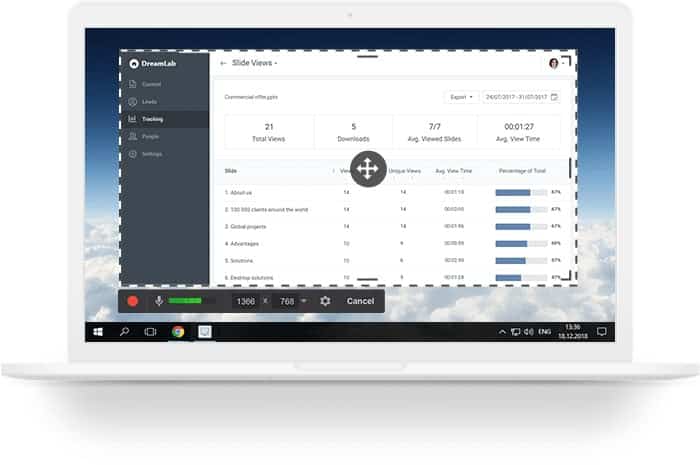
Well, if you are searching for a free and easy to use screen recording software for your Windows 10 computer, then you need to give Free Cam a try. Guess what? Free Cam allows users to create screencasts with ease. Apart from that, the screen recording utility also offers a built-in audio and video editor as well. This is a free tool and it doesn’t put any watermark on the videos.
So above is all about the Best Screen Recording Software For Windows. With these tools, you can easily record the screen of your Windows PC. I hope this article helped you! Share it with your friends also.
The post 25 Best Screen Recording Software For Windows appeared first on Tech Viral.
from Tech Viral https://ift.tt/2vd8QBa

No comments:
Post a Comment